- Open Internet Explorer or old Microsoft Edge (will not work with new Edge browser) and login to https://portal.office.com/
- Click Admin in the app launcher.
- Go to Admin center in the left side menu and click Exchange.
- Click Hybrid and click Configure button below Exchange Online Powershell module.
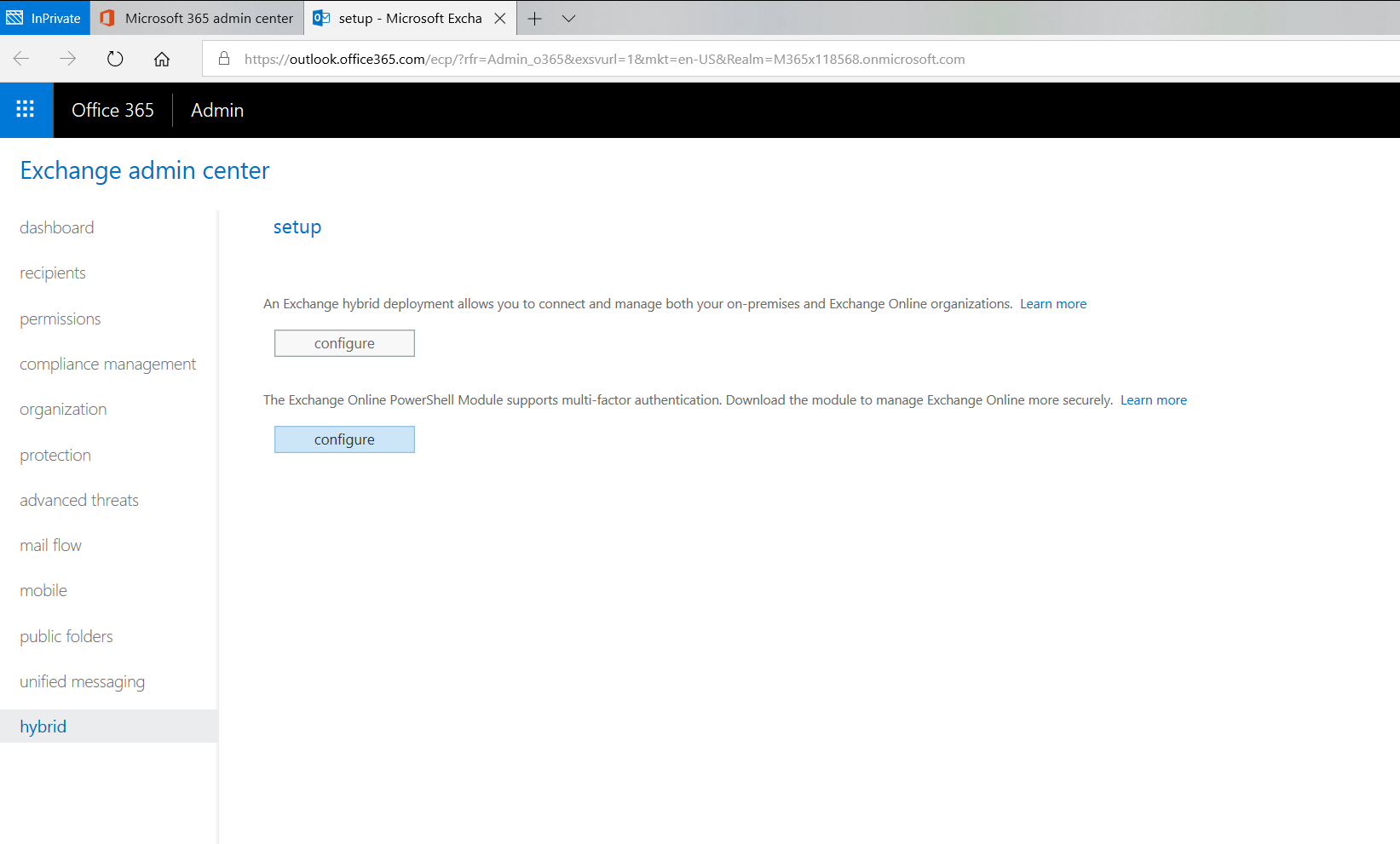
- After clicking Configure button the application will launch.
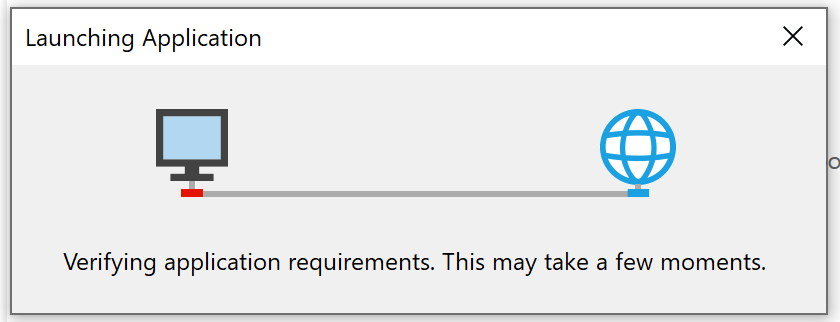
- The Application install window will open, then click Install.
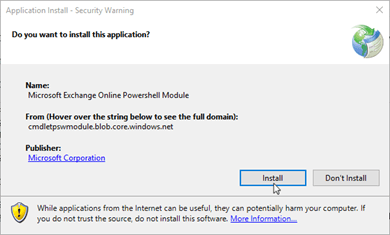
- Now Exchange online powershell module with MFA is installed in your machine.
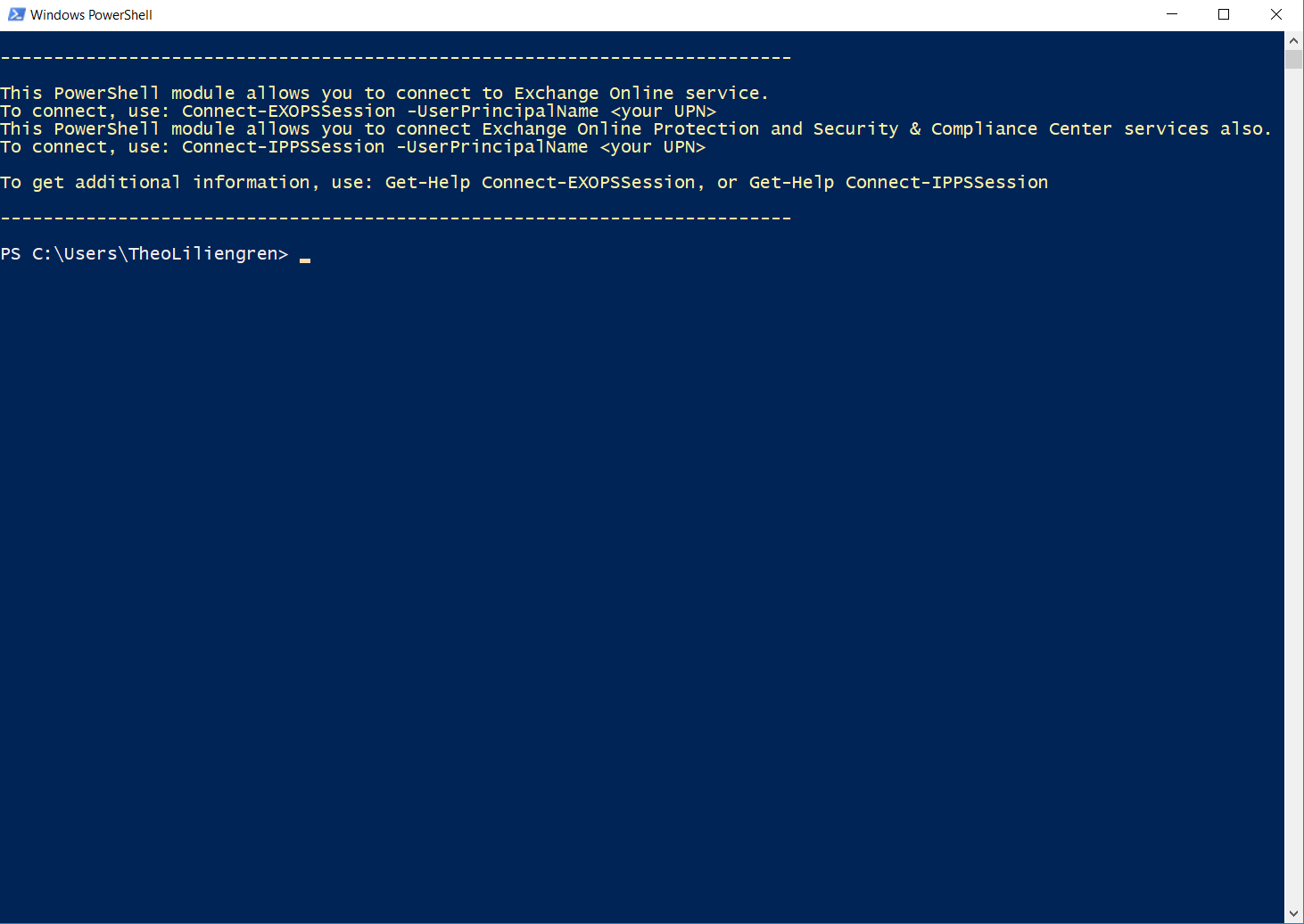
- Run the command Connect-EXOPSSession -UserPrincipalName
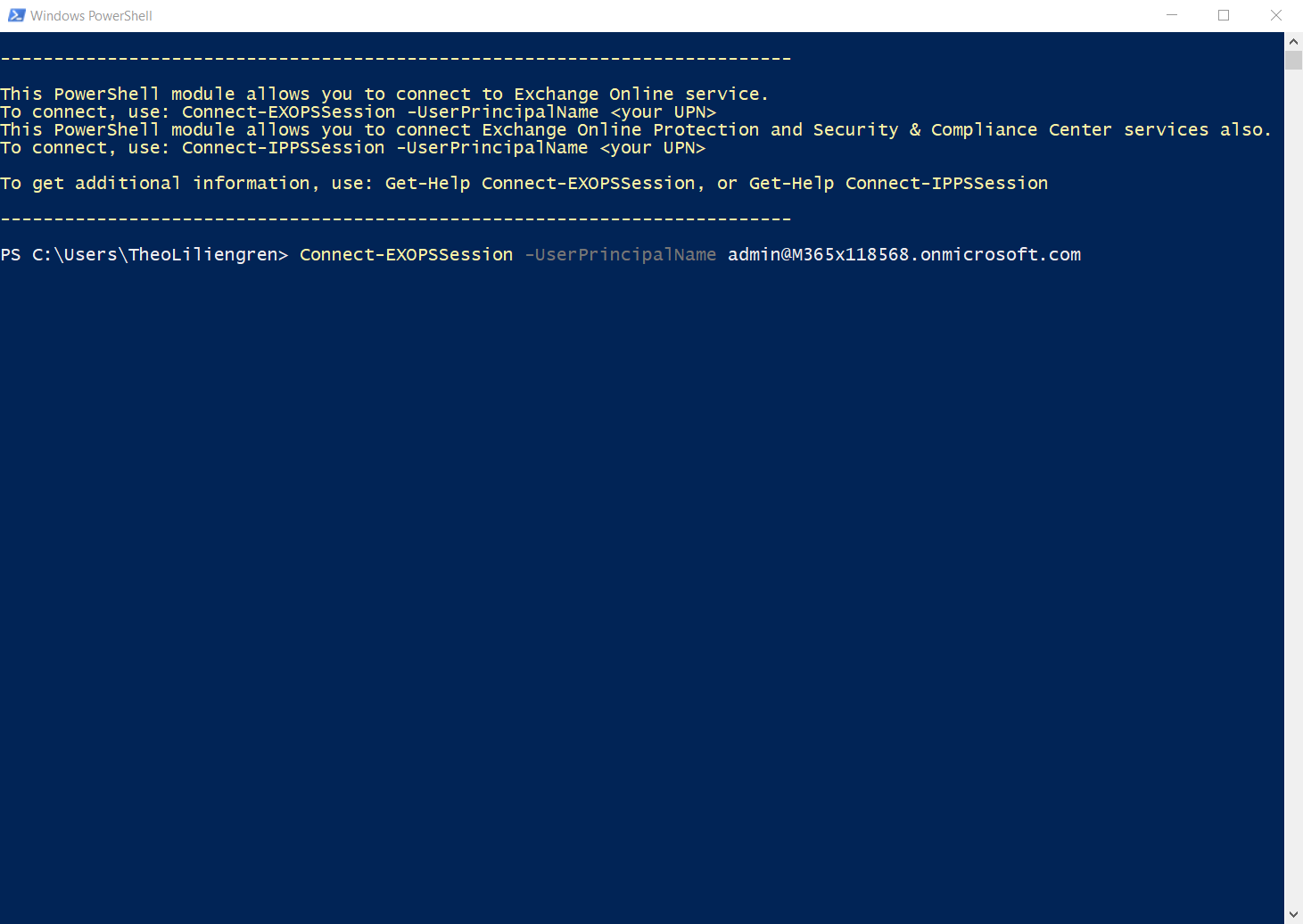
And you are done.